
Bluey: Let's Play!
Budge Studios
A calm Bluey-themed playset built around exploration, pretend play, and coloring
| Category | Casual |
| Installs | 50,000,000+ |
| Version | 2026.5.0 |
| Updated | Apr 29, 2026 |

About this game
Game Overview
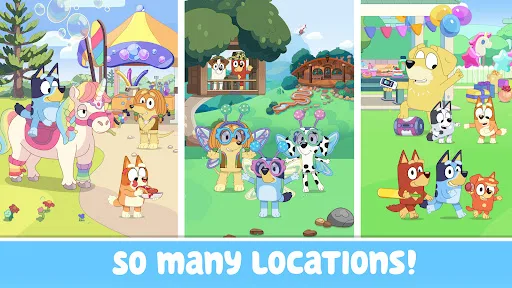
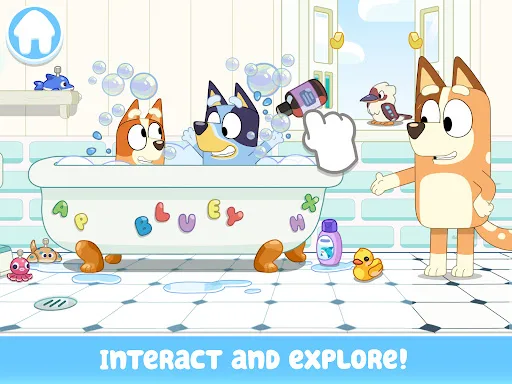
Bluey: Let’s Play! is a casual children’s game from Budge Studios that turns the Heeler family home into a digital playset. The loop is simple: move through rooms, tap on objects, and trigger small activities such as pretend cooking, backyard play, hidden surprises, and coloring pages. It is built for short, low-pressure sessions rather than progression systems or failure states. The presentation leans on the familiar Bluey license, so the appeal comes less from challenge and more from reenacting scenes, inventing new ones, and wandering through a recognizable setting. Budge Studios is known for branded preschool apps, and that background is visible here in the emphasis on safety, easy interaction, and parent-friendly pacing. The result feels closest to a toy box translated into a mobile app.
Core Gameplay Features
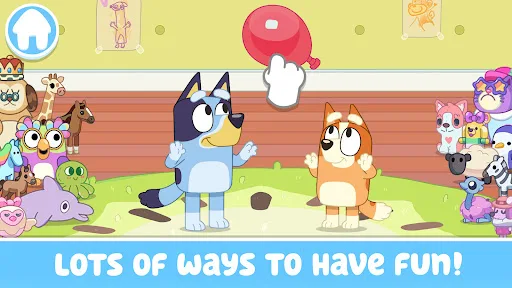
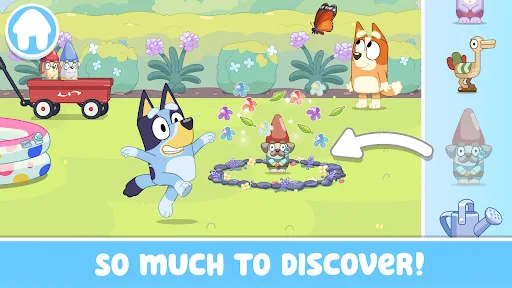
- House Exploration Players move through Bluey’s home and discover interactive spots in different rooms. The setup encourages wandering, surprise-finding, and repeated visits to see what each area can do.
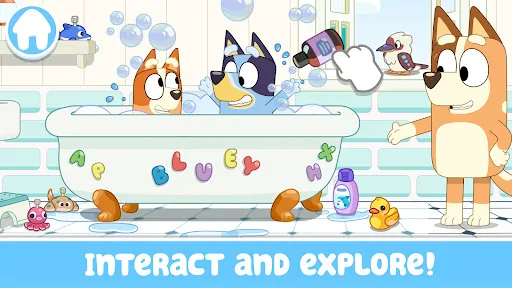
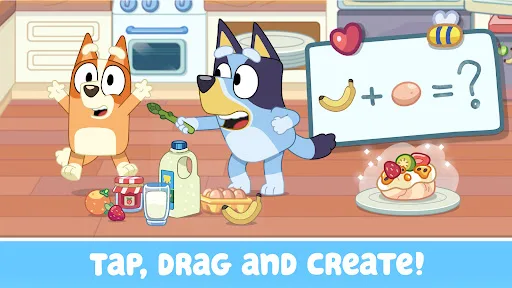
- Pretend Play Scenes The app supports small make-believe activities such as cooking, tea parties, and backyard projects. These moments are designed to let children invent their own stories instead of chasing scores.
- Mini Activities Simple games like keepy-uppy, trampoline bouncing, and bubble play break up the freeform exploration. They give the experience a bit of structure without turning it into a harder arcade game.
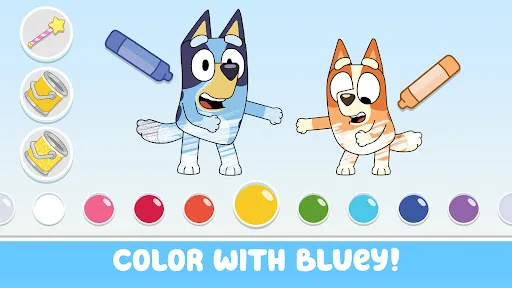
- Coloring Pages A coloring mode adds a quieter, more creative layer to the app. It broadens the play loop for children who prefer drawing and character-based activities over movement and tapping.
- Touch Controls The game is built around tapping, dragging, and interacting with objects directly on screen. That keeps the interface approachable for preschool and early elementary players.
What Makes It Stand Out
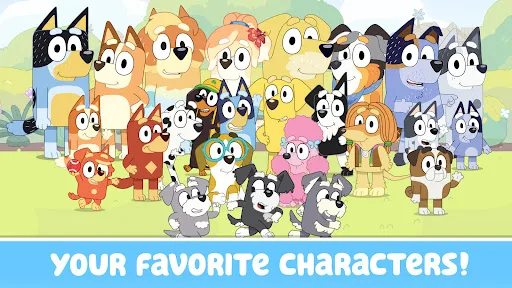
Its main strength is how closely it mirrors the tone of the TV series while staying simple enough for very young players. The familiar setting and character lineup do most of the work, which is appropriate for a licensed kids’ app.
- Trusted Preschool Focus Budge Studios has a long history of children’s apps, and this one follows that template closely. The emphasis on safety, ease of use, and age-appropriate interaction will matter to parents.
- Strong Brand Recognition The Bluey license gives the app immediate appeal for families already familiar with the show. That recognition helps the game feel like an extension of the series rather than a generic activity app.
- Large Audience Reach More than 50,000,000 installs on Google Play and over 208,000 ratings suggest broad visibility. The scale points to a well-known mobile release, even if the gameplay remains deliberately modest.
Things to Know Before Playing
This is a free kids’ app, but the store listing notes paid subscription access for some content, so the full experience is not entirely open. It is also very much aimed at young children, which shapes both its simplicity and its limits.
- Subscription Content The app is free to download, but some content requires a paid subscription. That makes it worth checking what is included before assuming everything is unlocked from the start.
- Child-Friendly Rating Google Play lists it as Everyone and the App Store rates it 4+. That makes it suitable for preschool use, with parental controls still sensible for younger children.
- Storage And Updates The App Store version is about 174 MB, and the current versions are 2026.5.0 on Android and 2026.5.1 on iOS. Extra free space helps with updates and cache.
You may like
Candy Crush Saga
King
My Talking Tom
Outfit7 Limited

Pou
Zakeh
My Talking Tom 2: Pet Game
Outfit7 Limited

Homescapes
Playrix
Gardenscapes
Playrix
Township
Playrix

Minion Rush: Running Game
Gameloft SE
Candy Crush Soda Saga
King
My Talking Tom Friends
Outfit7 Limited
My Talking Angela 2
Outfit7 Limited
Hay Day
Supercell
Coin Master
Moon Active
Farm Heroes Saga
King
Angry Birds 2
Rovio Entertainment Oy