Piano Kids - Music & Songs
Orange Studios Games
A free Android music app built around instruments, songs, and kid-friendly sound games
| Category | Music |
| Installs | 100,000,000+ |
| Version | 3.70 |
| Updated | Apr 30, 2026 |

About this game
Game Overview
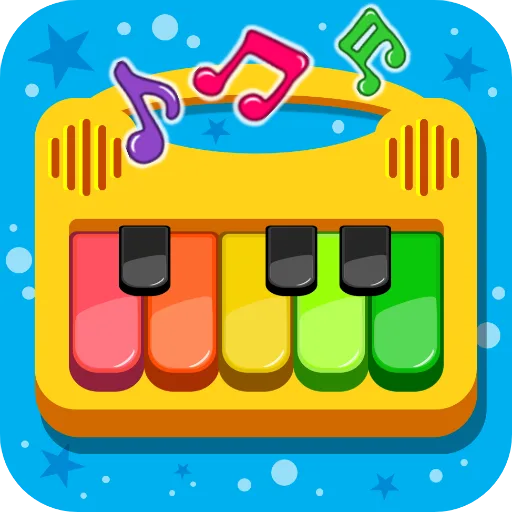
Piano Kids - Music & Songs is a free Android music app from Orange Studios Games, built for toddlers, children, and parents who want a simple way to explore instruments and sounds. It mixes tap-along play with basic song learning, sound recognition, and mini-games, all wrapped in a bright, colorful interface. The structure is closer to an educational activity book than a traditional game, with four modes that shift between instruments, songs, sounds, and play. That makes the pace flexible: it can be used for short bursts, or as a longer shared session around music and early learning. The appeal lies in its low-friction design and broad mix of activities, though the experience is clearly aimed at very young players rather than anyone looking for depth or challenge.
Core Gameplay Features
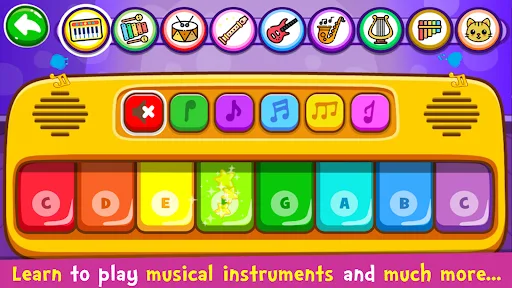
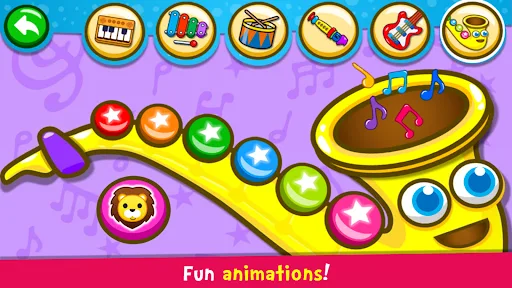
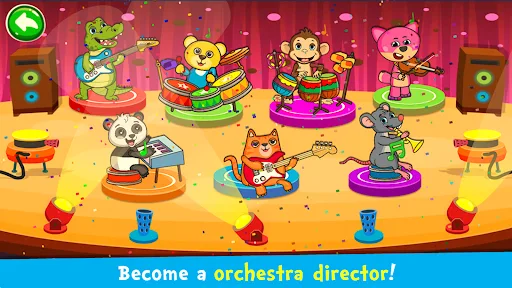
- Instrument Mode This mode lets players tap colorful instruments such as piano, drums, saxophone, flute, trumpet, and guitar. It focuses on immediate sound feedback and freeform musical play.
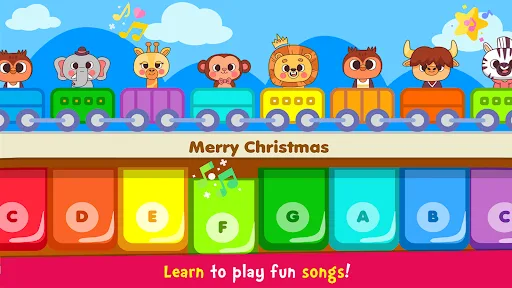
- Song Learning Songs can be played with an Auto Play option that demonstrates the melody first, then guides the child through it. The app says 30 famous songs are included.
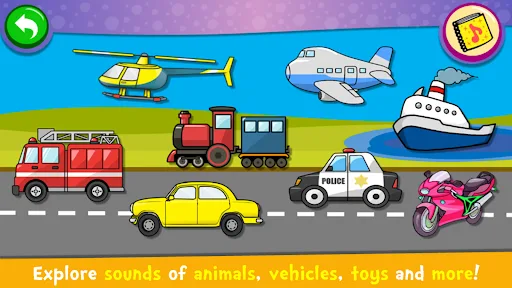
- Sound Collections The sounds section groups everyday objects and categories by image and audio, helping children match what they see with what they hear. It also includes pronunciation practice in multiple languages.
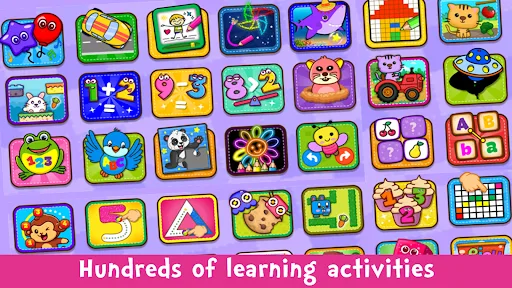
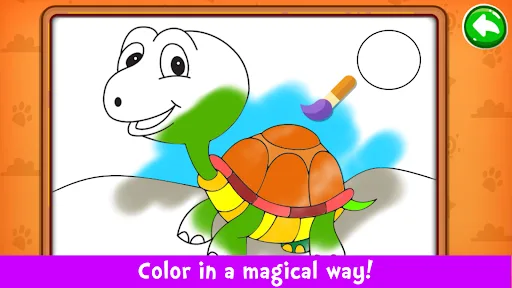
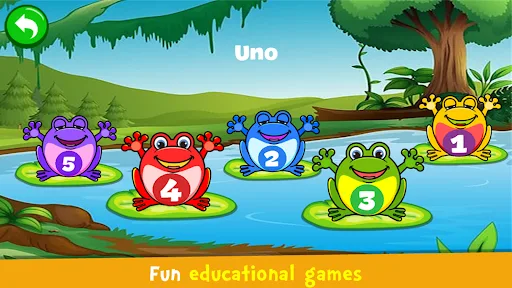
- Games Mode Mini-games add counting, alphabet practice, puzzles, coloring, drawing, memory play, and pixel art. This gives the app a broader educational loop beyond music alone.
- Family-Friendly Design The interface is described as intuitive and easy to use, with bright visuals and simple controls. That keeps the app accessible for very young children and shared parent-child play.
What Makes It Stand Out
Its strongest point is range. Rather than limiting itself to a toy piano, the app combines instruments, songs, sounds, and learning games in one package, which helps explain its large install base and strong review volume on Android.
- Huge Install Base With 100,000,000+ installs and more than 721,000 ratings, it has a level of exposure that suggests many families have already tried it. That volume gives the rating more context than a small app could.
- Broad Activity Mix The app is not only about music playback. It also folds in puzzles, memory play, coloring, counting, and alphabet practice, which makes it useful as a general early-learning app.
- Kid-Safe Rating The Everyone content rating and free availability on Google Play make it easy to install for younger households. The listing also positions it clearly as a child-focused Android app.
Things to Know Before Playing
The practical tradeoffs are straightforward. This is a free Android-only app, so the main questions are storage, age fit, and whether the educational style matches the child’s attention span. The store listing does not show a file size, so the exact download footprint is unknown.
- Android Only The app is available on Google Play for Android phones and tablets only. There is no iPhone or iPad version listed in the provided metadata.
- Free Store App The listing marks it as free, but free mobile apps commonly rely on ads or in-app purchases somewhere in the product. The store page should be checked for the latest monetization details.
- Young Child Focus The Everyone rating makes it broadly suitable, but the design is clearly aimed at toddlers and early primary-age children. Older players may find the interaction model too simple.